
9 Best Practices of Profitable E-Commerce Websites
For business leaders starting their online stores, how can you ensure they sell well? Consider these tips for best practices.

Tin Advincula Allí

9 Best Practices of Profitable E-Commerce Websites
Best Practices For A Profitable E-Commerce Website
With the global pandemic forcing everyone to stay home, e-commerce is the way to go for entrepreneurs to continue selling products or services. In the U.S. alone, the online income of retailers reached a new high in April, compared to an earlier peak in January. For business leaders starting their online stores, how can you ensure they sell well?
Consider these tips for best practices.
1. Come up with a clear CTA
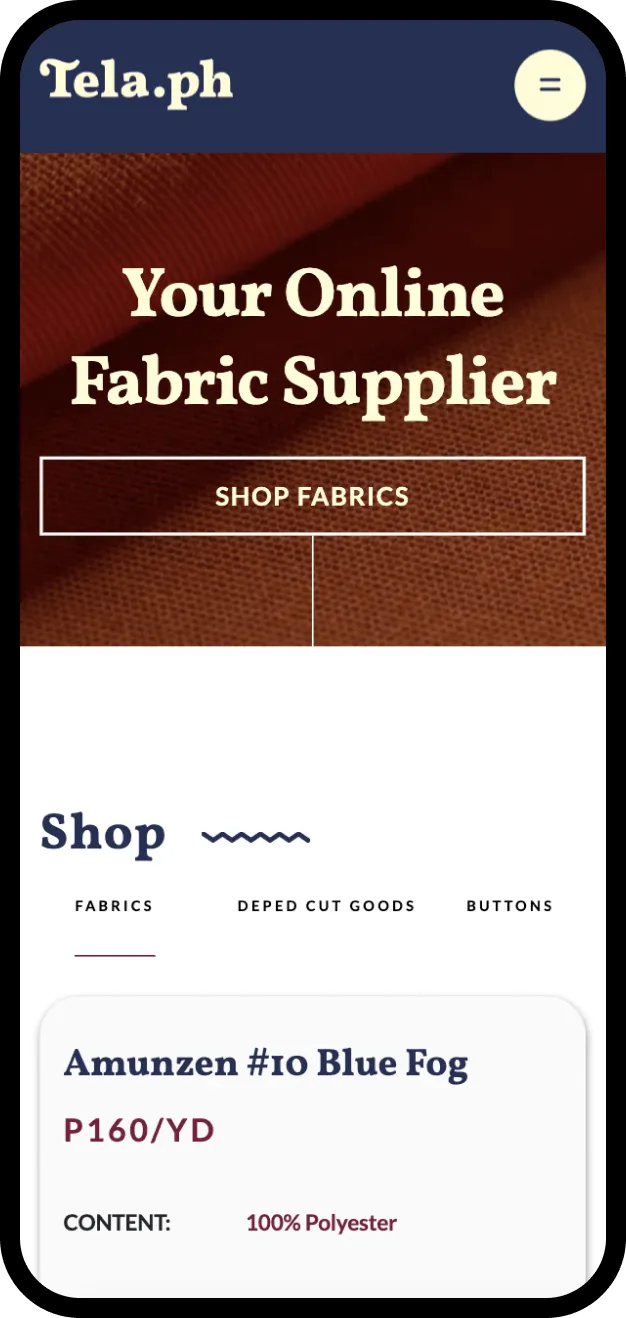
Your CTA or call-to-action should tell the website visitor what to do to avail of a product or service they desire. Examples include “Shop Now” or “Add To Cart” in readable fonts on buttons with complementing colors. Place these where the buyer can easily see them, and make sure the CTA is just the right size.
2. Use high-quality product images
Make sure the images or videos shown on your e-commerce website aren’t blurry or laggy. The products should also be in proper lighting so customers know how they’ll look like when worn or brought outdoors. Adding a zoom feature to high-quality images can help customers who want to look at the details of the item.
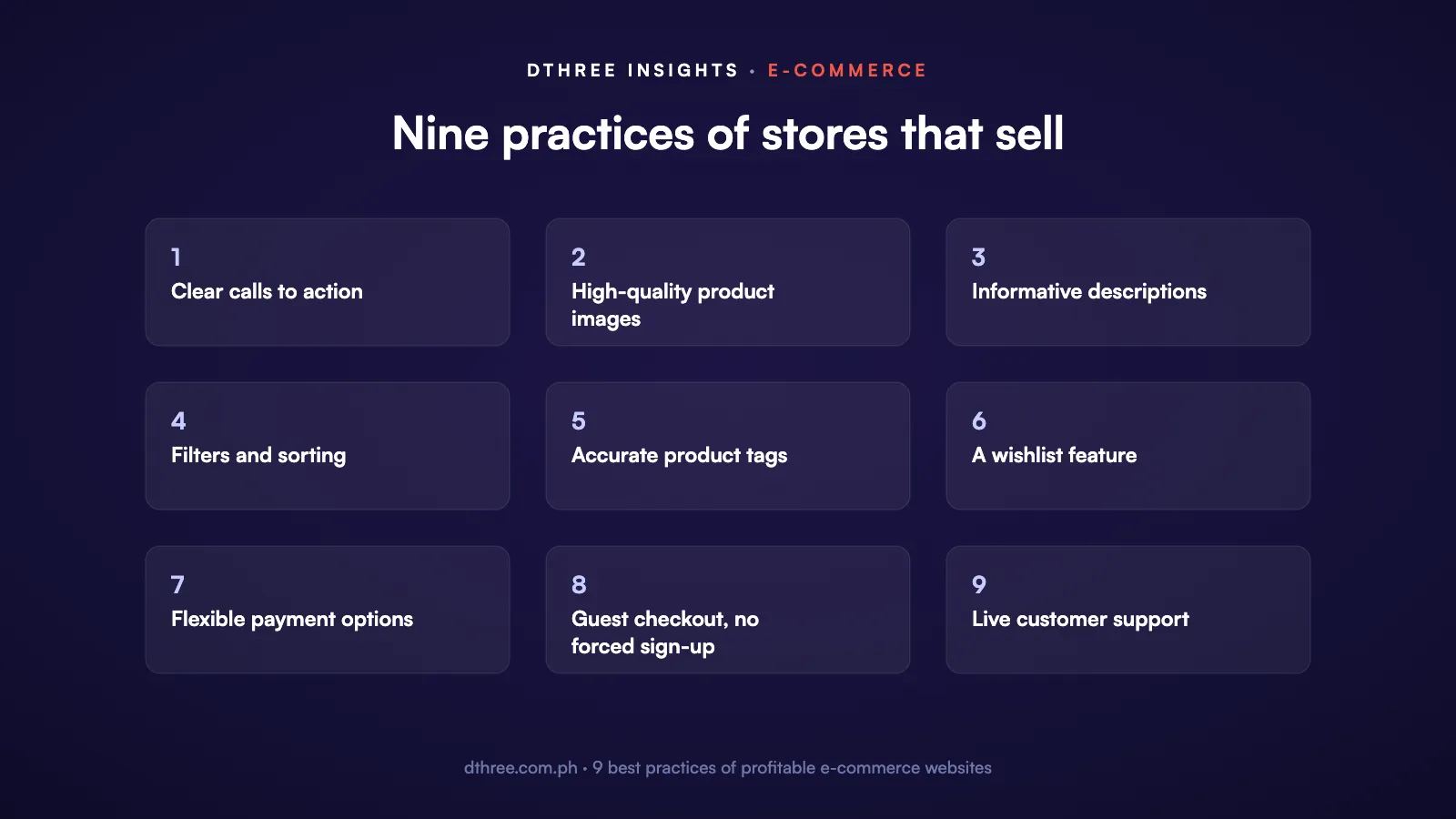
3. Write informative product descriptions
The challenge with product descriptions is that they have to explain the features or benefits of what you sell in a limited word count. This makes sense because buyers don’t have time to read long texts. Make sure your descriptions are succinct and engaging so guests can say yes to it quickly. Include relevant details of a product, such as its functions, dimensions, warranty, accessories, and the like.
4. Add filter and sorting options
Over time, an e-commerce site will accumulate items for sale. To help your customers find what they want quickly, add filter options for your products. This lets buyers find items on sale, best-selling ones, or those in stock and can further fine-tune results by sorting the results alphabetically, by price, or by popularity/best-selling filters. Not having to scroll through an exhaustive list of items will make the buying experience better for your customers.
5. Use the right product tags
Product tags help relate your items to each other. If you sell printers, you can use product tags like “office”, “paper”, or “ink” to these items. If you have a customer that used the search bar to look for printers and typed any or a mix of these product tags, your printers can appear on the results. Just make sure you have accurate product tags so that buyers can get relevant search results.

6. Include a wishlist feature
This save-for-later option will help your customers store items they’ve found but couldn’t buy at the moment. You also can offer them options to receive alerts in case the item on their wishlist is on sale. Letting them share what’s on their wishlist to social media can also increase traffic to your site, especially during the holidays.
7. Offer flexible payment options
Make online purchases easier for customers by offering different payment options. Common and emerging examples include credit card, e-wallet, cash on delivery, or online vouchers. By showing that these options are available, you let customers know that your online store welcomes flexible forms of payment.
8. Do not impose registration
Guests on an online store would be frustrated if they were forced to register right when they’re about to buy the product they need. To prevent this, offer them the option to order as a guest. This will speed up the transaction and satisfy them.
9. Offer online customer support
Your online shoppers won’t be able to speak to a manager if they need help with your products, but they can speak with a live chat agent instead. By providing this feature, your customers can get online support that can resolve concerns quickly.
Sources – CXL, Entrepreneur, Forbes
Related reading and services


.avif)